

Configuring the Service
Follow the steps highlighed in the Enabling Service guide and don’t forget to add the relevant secrets to your
.secrets file.Start nhost
Run 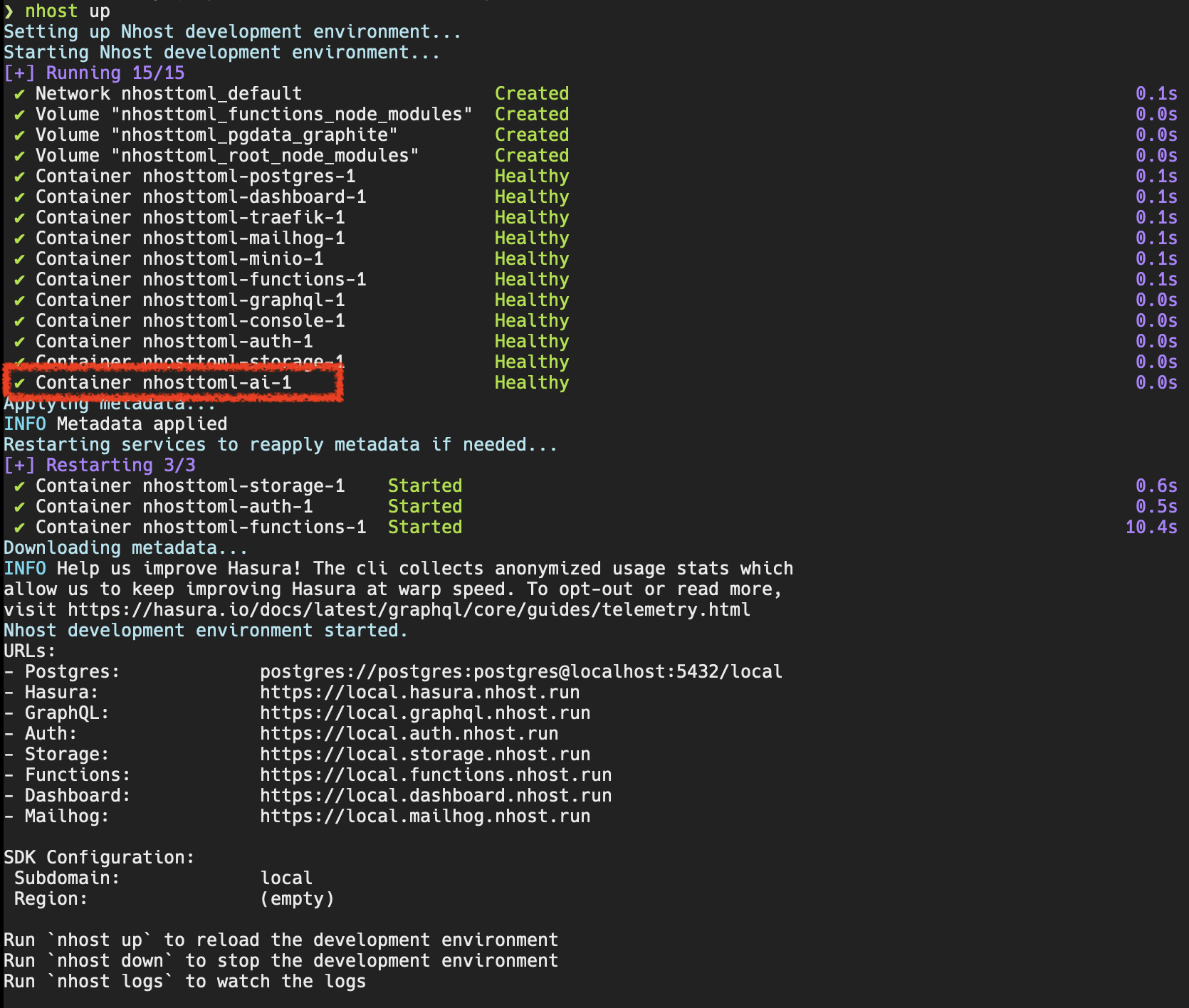
nhost up:ai service running.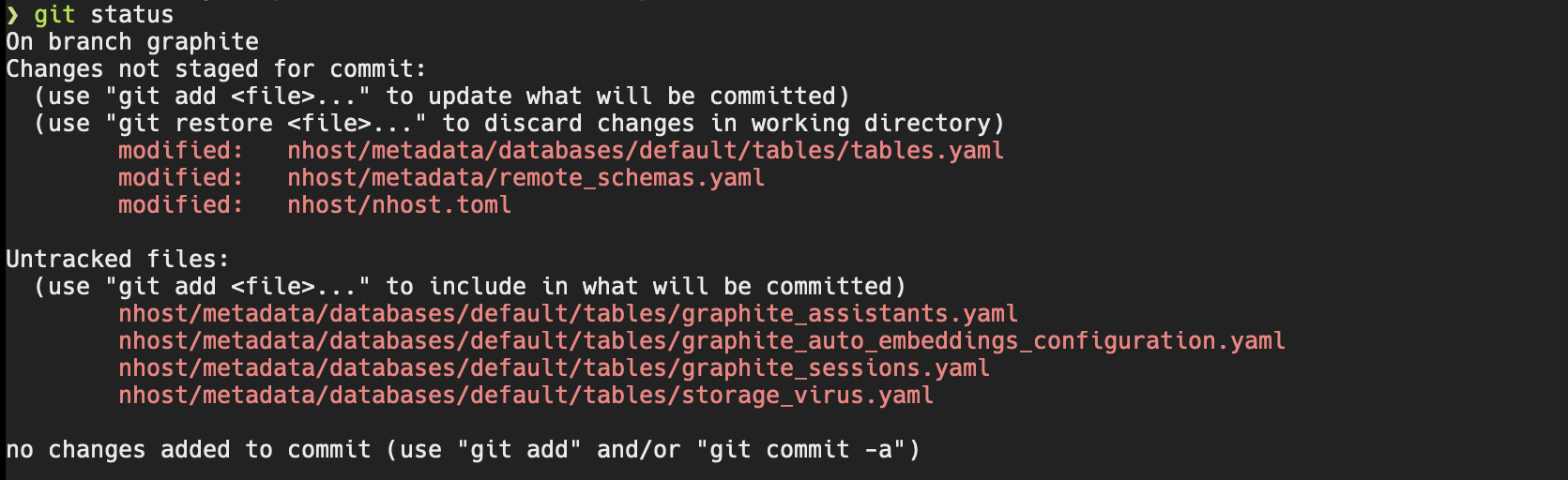
Synhcronizing Auto-Embeddings
If you add auto-embeddings configuration locally and want to synchronize them with the cloud we recommend inserting them using a migration rather than with the auto-embeddings UI: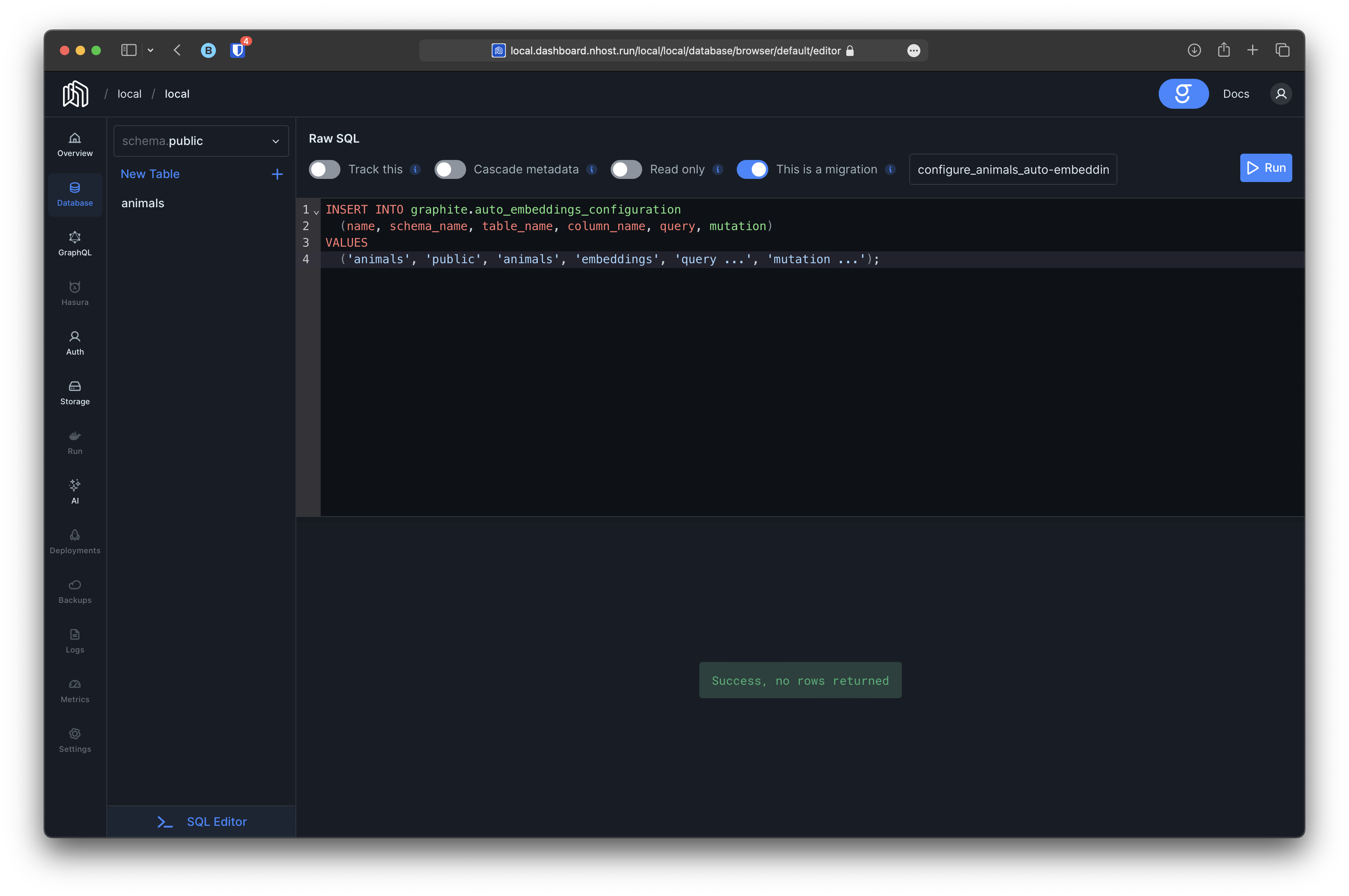
nhost up to download the updated metadata. Afterwards you should see both database migrations and functions’ metadata changes in your local project:

Synhcronizing Assistants
Similar to auto-embeddings, if you want to synchronize assistants we recommend you to insert them using a migration and then runningnhost up to update any metadata if necessary. After pushing the proposed changes to the deployment branch all the changes should be deployed to the cloud project.